Mastering ChatGPT: Unlocking the Full Power
Written by Emily Hilton
- Understanding ChatGPT and Its Upgrades
- Automating Tasks Using ChatGPT
- The Importance of Effective Prompts
- Examples of High-Impact Prompts
- Projects vs GPTs: Choosing the Right Tool
- Why Paid Versions Can Make a Difference
- Key Takeaways for Mastering ChatGPT
- Advance Your AI Expertise with GSDC Certification
- Moving Forward
In recent years, ChatGPT has revolutionized the way individuals and businesses interact with AI. From automating mundane tasks to generating high-quality content, this AI tool has proven to be indispensable.
However, many users still barely scratch the surface of its capabilities. If you want to elevate your AI game, understanding mastering ChatGPT and leveraging its full potential is essential.
This blog explores practical techniques, task automation strategies, and advanced prompt engineering to help you unlock ChatGPT full potential 2025.
Understanding ChatGPT and Its Upgrades
ChatGPT is not just a conversational AI; it is a multifaceted platform that can streamline workflows, automate repetitive tasks, and generate creative content. With continuous ChatGPT upgrades, users now have access to advanced features that were previously unavailable. These upgrades include better contextual understanding, improved text generation, and the ability to integrate with other tools for task automation.
By keeping up with ChatGPT upgrades, users can ensure they are leveraging the most powerful features available. Whether it’s creating structured outputs for business reports, automating email notifications, or crafting social media content, the upgrades enhance both efficiency and output quality.
Automating Tasks Using ChatGPT
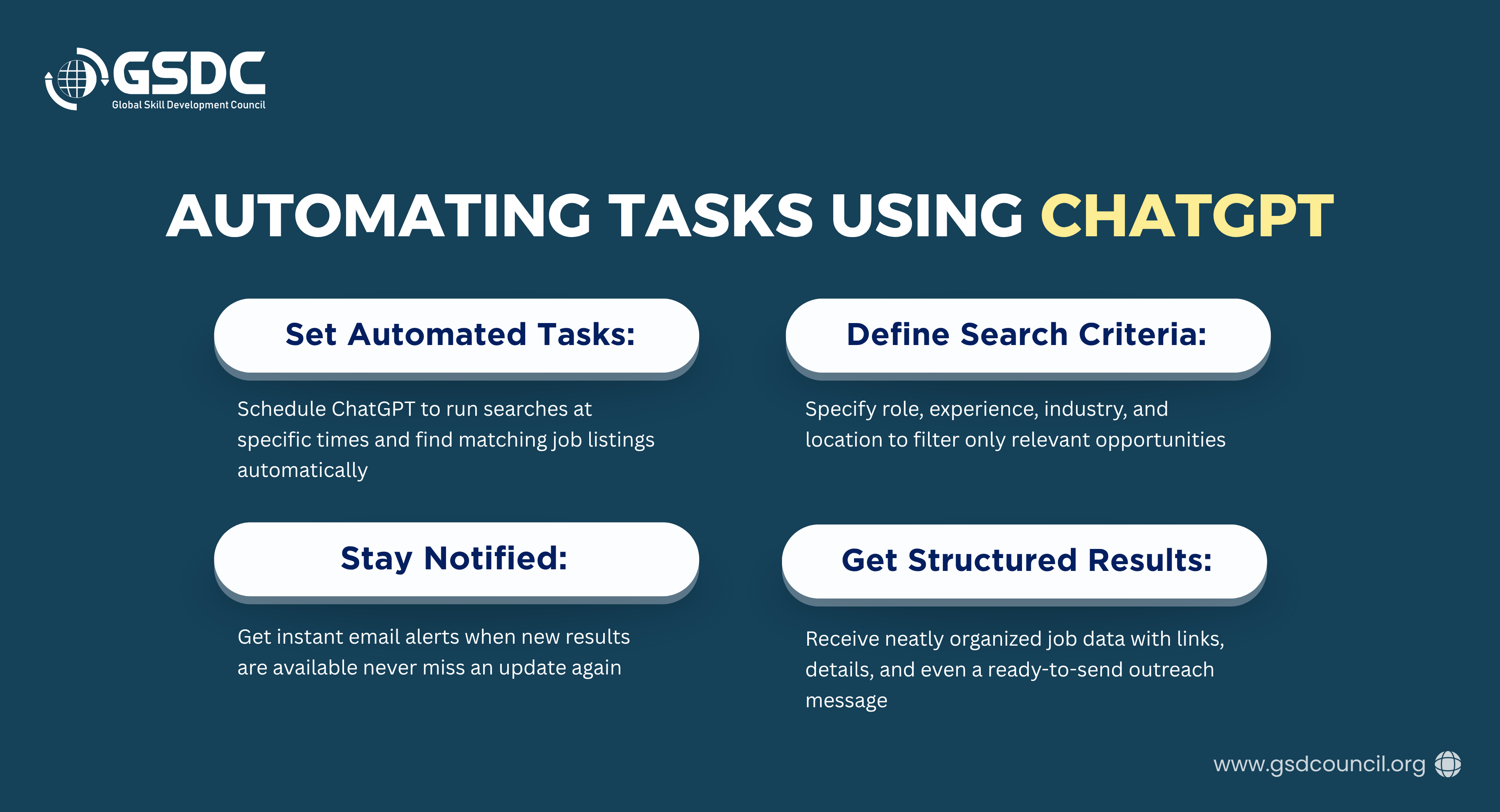
One of the most impactful ways to use ChatGPT is through task automation. In a recent webinar, an expert demonstrated how to automate a weekly job search process using ChatGPT. Here’s a breakdown of how this can work:
- Setting Up the Automated Task: Users can schedule tasks to run at specific times, such as every Monday, Wednesday, and Friday at 9:30 AM IST. The AI can search job portals, LinkedIn, and company websites to find active job listings that match specific criteria.
- Defining Job Search Criteria: By specifying role, experience, industry, and location, ChatGPT can filter out irrelevant positions. For example, it can avoid freelance or short-term contract jobs if you only want permanent roles.
- Structuring the Output: ChatGPT can provide results in a structured table format, including:
- Company name and description
- Job title and location
- Application link
- Hiring manager’s name or LinkedIn profile
- Deadline and a brief note on why the job fits.
Additionally, it can draft a short cold message for outreach to the hiring manager.
- Receiving Notifications: Users can opt for email notifications whenever the task completes, ensuring they never miss a critical update.
The Importance of Effective Prompts
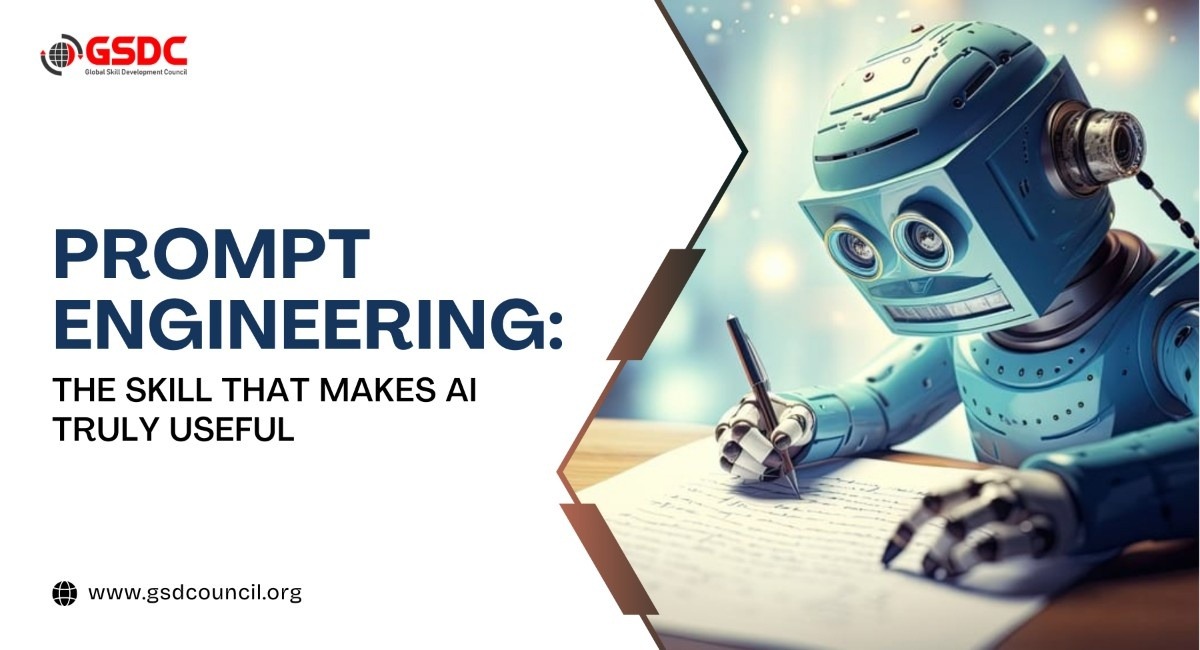
Even with powerful AI, the output is only as good as the prompt you provide. A ChatGPT prompt guide is essential for maximizing accuracy and relevance. The webinar introduced a framework called R-GOLD that helps in structuring effective prompts:
- R – Role: Define a specific persona for ChatGPT. For example, you can ask ChatGPT to act like a “LinkedIn content specialist” or a “data analyst.” The AI adapts its responses to fit that role.
- G – Goal: Clearly state the objective. Whether it’s summarizing slides, creating social media posts, or generating job listings, specifying the goal ensures that ChatGPT provides targeted outputs.
- O – Output: Define the desired output format, such as a table, bullet points, or a 100-word LinkedIn post. Structured outputs make it easier to act on AI-generated data.
- L – Limits: Set boundaries to guide the AI. For instance, keep text under 100 words, include emojis, or avoid certain content types. This step ensures the output is aligned with your requirements.
- D – Details/Context: Provide extra information such as audience demographics, industry, or any relevant background. This helps ChatGPT generate highly contextualized responses.
By following this ChatGPT prompt guide, users can craft prompts that produce superior results compared to generic instructions. Proper prompting is a critical step in mastering ChatGPT and fully exploiting its capabilities.
Examples of High-Impact Prompts
Here are some examples of how effective prompts can transform ChatGPT outputs:
- LinkedIn Posts: A prompt can instruct ChatGPT to write a crisp LinkedIn post for B2B professionals aged 35–45, under 100 words, with emojis and a call-to-action.
- Slide Summaries: ChatGPT can summarize 30 presentation slides into three clear decisions and next steps, using concise bullet points.
- Instagram Captions: A prompt can create engaging captions for small business owners, complete with emojis and promotional calls-to-action.
Projects vs GPTs: Choosing the Right Tool
Many users confuse ChatGPT “projects” with GPTs (custom AI applications). Understanding the difference can enhance productivity:
- GPTs: Comparable to apps or Chrome extensions, GPTs are public or shared applications that can be used by multiple people. Creating a GPT requires more effort but offers broader utility.
- Projects: Private and quick to set up, projects are personal folders or workspaces within ChatGPT. Ideal for automating daily tasks, personal research, and workflow management.
Choosing the right tool depends on your goals. For instance, if you want to automate daily job searches, projects are ideal. For public-facing applications, GPTs provide a more scalable solution.
Why Paid Versions Can Make a Difference
While the free version of ChatGPT is useful, the webinar emphasized that paid subscriptions offer a significant edge. Paid plans provide:
- Access to more powerful AI models
- Faster response times
- Higher quality outputs
- Advanced task automation features
Investing in a paid subscription can drastically improve productivity and help you unlock ChatGPT full potential 2025.
Key Takeaways for Mastering ChatGPT
- Understand Upgrades: Always stay updated on ChatGPT upgrades to access the latest features.
- Automate Wisely: Identify repetitive tasks that can be automated and use projects to streamline workflows.
- Craft Effective Prompts: Use frameworks like R-GOLD to ensure accurate, relevant, and actionable outputs.
- Leverage Structured Outputs: Tables, bullet points, and summaries make AI outputs immediately usable.
- Invest in Quality: Paid plans enhance performance and unlock advanced capabilities.
Advance Your AI Expertise with GSDC Certification
GSDC’s AI Tool Expert certification program is designed to help professionals harness the power of cutting-edge AI platforms like ChatGPT, Jasper, and Google AI Studio. This certification demonstrates your practical expertise in applying AI to real-world scenarios while boosting your professional credibility.
Moving Forward
Mastering ChatGPT is not just about generating text; it’s about strategically integrating AI into your workflows, creating structured automation, and leveraging advanced prompts to generate actionable insights. Whether you’re automating job searches, generating content, or monitoring industry trends, understanding how to unlock ChatGPT full potential 2025 ensures you stay ahead of the curve.
With continuous ChatGPT upgrades, the tool’s capabilities are only going to expand, making it more vital for professionals, businesses, and creators alike. Using the strategies outlined in this blog, along with a strong ChatGPT prompt guide, you can maximize efficiency, enhance creativity, and truly unlock the full power of AI.
If you haven’t yet experimented with advanced tasks, personalized projects, or structured prompts, now is the time. Mastering ChatGPT is no longer optional, it’s essential for anyone looking to thrive in an AI-driven world.

Related Certifications
Stay up-to-date with the latest news, trends, and resources in GSDC
If you like this read then make sure to check out our previous blogs: Cracking Onboarding Challenges: Fresher Success Unveiled
Not sure which certification to pursue? Our advisors will help you decide!