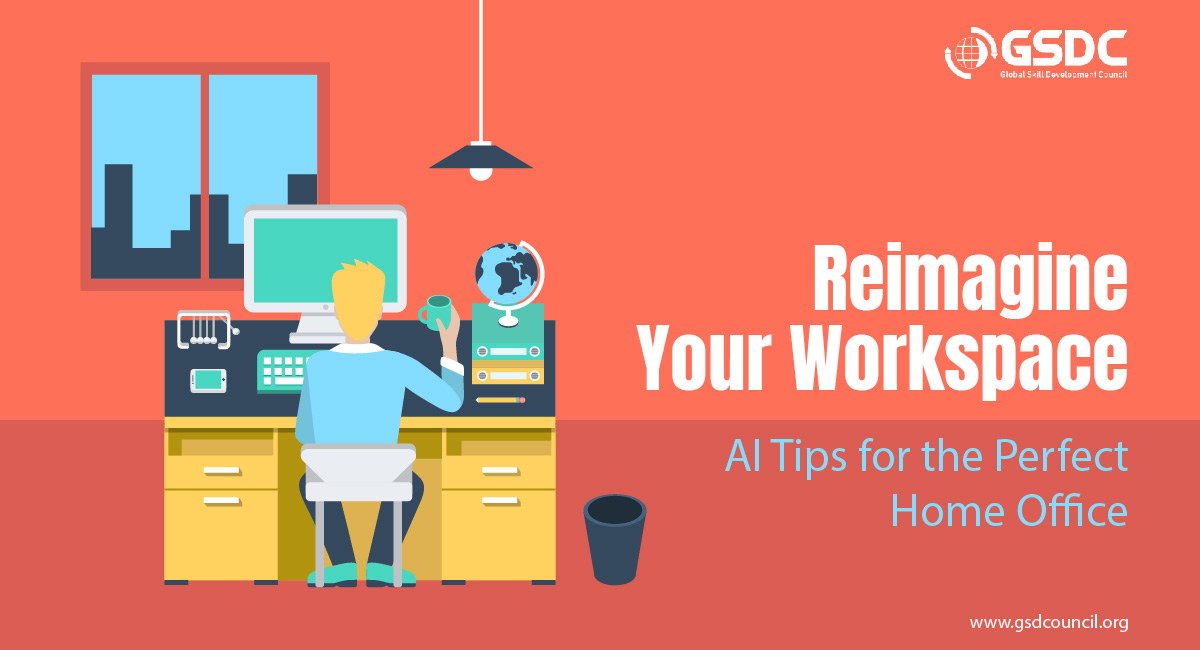
Reimagine Your Workspace: AI Tips for the Perfect Home Office
Written by Matthew Hale
- Assessing Your Workspace Needs With AI
- Key Considerations for Creating Your AI-Enhanced Home Office
- Choosing The Best Office Furniture and Setup
- Virtual Try-On Tools
- Setting Up For Long-Term Comfort
- Optimizing Lighting and Ambience With AI Tools
- Personalizing Your Workspace For Productivity
- Maintaining A Clutter-Free and Efficient Workspace
- Leveraging Virtual Assistance For Home Office Management
- A Fresh Perspective: Discovering the Power of AI at Home
- Transform Your Workspace With AI
Imagine a workspace that adjusts itself to your needs, boosting your productivity and comfort with every detail perfectly in place. Thanks to AI tips, this isn?t a far-off dream, it's possible right now in your own home office.
In recent years, AI has evolved into a strong tool for revolutionizing how we design our workspaces, making creating the perfect home office easier than ever.
With smart technology, we can optimize our working environment for both productivity and comfort. From selecting the proper furniture to efficiently organizing your home, AI provides practical advice tailored to your specific needs.
Using these AI-powered tactics, you can create, organize, and maintain a home office that not only looks good but also helps you work better and feel more at peace.
Assessing Your Workspace Needs With AI
Using artificial intelligence to assess your workplace requirements can significantly improve how you plan and arrange your home office. There are a variety of technologies and apps available to scan and evaluate your space, assisting you in finding the optimal arrangement.
For example, qbiq software allows you to upload a rough design of your office and provides several layout possibilities depending on aspects such as lighting and privacy, ensuring that you maximize comfort and productivity. AI tools may also assess critical factors such as noise levels and ergonomics, delivering insights that can assist build a more productive work environment.
AI may also recommend design concepts that represent your personality and work style, making it easier to select colors, furniture, and decorations that inspire you. By utilizing these technologies, you can design a workspace that is tailored to your specific requirements.
Key Considerations for Creating Your AI-Enhanced Home Office
- How can AI help me design a home office that boosts productivity?
- Which AI tools are available to help me choose the best furniture for my workspace?
- What are some ways AI can improve lighting and ambiance in my home office?
- How can AI assist me in keeping my workspace organized and clutter-free?
- What virtual assistants should I use for managing tasks and schedules in my office?
- Are there any privacy and security concerns with using AI devices in a home office?
What Are We Aiming For?
This tutorial will show you how AI can make your home office more productive, pleasant, and personalized.
By exploring AI-powered tools for layout, furniture selection, lighting, organization, and virtual support, you'll learn how to design a workspace that improves focus, reduces clutter, and promotes general well-being?all suited to your specific requirements.
Choosing The Best Office Furniture and Setup
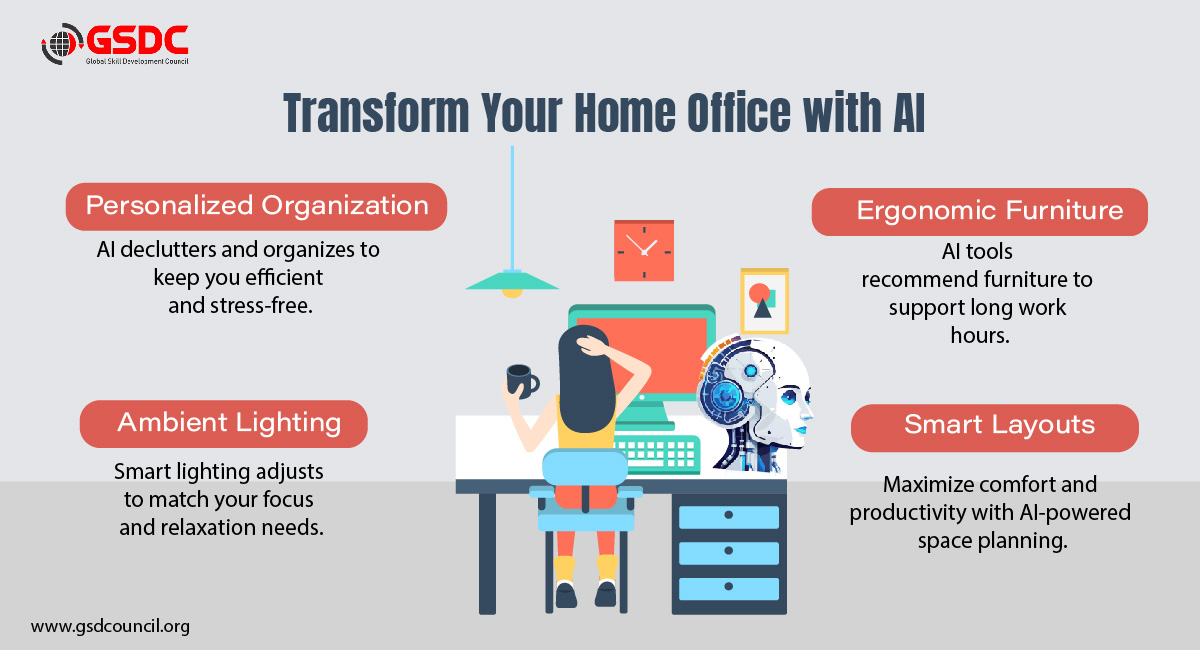
Choosing the right office furniture and setup may dramatically boost your productivity and comfort, and AI helpers make the process easier and more successful.
AI can assist you in selecting ergonomic chairs, workstations, and storage solutions that are adapted to your specific requirements.
Modsy and Planner 5D assess your preferences and workstation dimensions to offer furniture that encourages excellent posture and comfort.
These recommendations take into account things like desk height changes and the best chair designs for lengthy periods at work, ensuring that you stay in good health while working.
Virtual Try-On Tools
Before making a purchase, AI apps let you see how various pieces of furniture will look in your room. For example, Homestyler uses augmented reality to show you how a chair or desk fits into your space, allowing you to make informed decisions without guesswork.
This feature decreases the number of returns and ensures that the furniture you choose meets both your aesthetic and functional requirements.
Setting Up For Long-Term Comfort
AI insights can guide you on the best desk height, chair adjustments, and overall layout for your workspace.
By analyzing ergonomic data, tools can suggest optimal arrangements that minimize strain on your body during long working hours.
This thoughtful setup not only enhances comfort but also boosts productivity by creating an environment conducive to focused work.
Optimizing Lighting and Ambience With AI Tools
Optimizing the lighting and ambiance in your home office may significantly increase productivity and comfort, and AI tools make this easier than ever. Smart lighting options enable AI-enabled lights to automatically change based on the time of day and the tasks you are performing.
For example, these lights may brighten when you need to concentrate and lower when you need to unwind. Another area where AI may assist is in determining how much natural light is present and suggesting ways to balance it with artificial lighting to generate a better mood and increase productivity.
Additionally, AI-powered gadgets can monitor temperature and air quality, assuring a comfortable working environment.
These technologies can modify the air quality and temperature to suit your needs, making your workspace healthier and more enjoyable. Using these AI technologies, you may design an ideal lighting configuration that supports your work habits and well-being.
Looking to create the perfect home office?
Our comprehensive guide has everything you need.
Download now and transform your workspace today!
Personalizing Your Workspace For Productivity
Personalizing your workstation can significantly increase your productivity and inspiration while working. AI may assist you in finding the appropriate décor ideas, proposing artwork, plants, and accessories that complement your style and create an inspiring environment. Apps like Artful, for example, can propose works that match your preferences and the vibe you wish to set.
Power AI customers reported saving over 30 minutesa day, boosting their capacity to manage workloads effectively.
AI can assist with bespoke soundscapes as well as graphic elements. There are AI-generated sound apps that provide background noise or soothing music to help you focus or relax while working. This is especially handy if you have trouble concentrating in a noisy atmosphere.
Finally, AI can suggest organizational tools and productivity apps based on your preferences. Whether you require a planner, a to-do list, or a time management tool, AI can recommend solutions to help you stay organized and manage your time successfully. Using these AI tools, you can build a workspace that feels customized while also promoting productivity.
Maintaining A Clutter-Free and Efficient Workspace
Maintaining a clutter-free and efficient workstation is critical for productivity, and AI provides novel ways to aid in this endeavor.
AI Solution for Decluttering
AI can help with both digital and physical organizing. Apps like Declutter Companion, for example, allow you to build task lists and reminders while helping you through the decluttering process step by step.
These programs may assess your workspace and recommend which objects to keep, donate, or eliminate, making it easier to organize your office.
Smart Storage Solutions
AI can make clever storage suggestions to help you organize your office. Many employees reported liking the flexibility of remote work,with 41% claiming they are more productive at home than before, partially due to reduced commuting times and improved work-life balance.
The Virtual Home Organizer, for example, can propose hidden storage solutions and hacks, such as maximizing space with under-desk storage or vertical shelving. This allows you to keep your workspace neat while maintaining accessibility.
Regular Workspace Optimization
AI can also remind you to examine your workstation regularly. AI can recommend changes based on how effectively your existing arrangement encourages productivity by employing tools that analyze your surroundings.
For example, it may remind you to rearrange your furniture for better flow or suggest adjustments depending on seasonal demands.
Leveraging Virtual Assistance For Home Office Management
Using virtual assistants for home office management can significantly improve productivity and streamline daily duties.
Task and Schedule Management
Setting up virtual assistants such as Alexa, Siri, or Google Assistant can help you manage your everyday duties more effectively. Voice commands can be used to set reminders, appointments, and schedules.
For example, stating, "Hey Google, remind me to take a break at 3 PM," lets you concentrate on your work without worrying about forgetting vital duties. These assistants learn your preferences over time, making them even more useful in organizing your schedule.
Integrating Smart Devices
You can sync numerous AI-powered gadgets in your home office to have complete control over lighting, temperature, and other settings. Smart lighting, for example, can automatically adapt based on the time of day or your activity, whilst smart thermostats may learn and adjust to your temperature preferences.
This integration fosters a comfortable working environment that boosts productivity. Using a central hub, such as Alexa or Google Assistant, allows you to control all of these gadgets with simple voice commands, making it simple to design the ideal workstation.
Security and Privacy AI Tips
It is critical to protect the privacy and security of your data when utilizing AI gadgets. To protect against vulnerabilities, ensure that the software on your devices is frequently updated. Also, each device's privacy settings should be evaluated, and data sharing should be minimized when possible. If you're concerned about your privacy, you can turn off voice recording functions.
By following these guidelines, you may reap the benefits of AI at your home office while keeping your information safe. The integration of AI into workplaces may necessitate the acquisition of new skills, posing hurdles for some individuals. A study found that while job rearrangement is common, there is also an increased intensity of labor for specific professions as activities get more complicated with AI involvement.
A Real Experience: Improving Productivity with AI Tools
As someone with a little understanding of AI, bringing it into my home office has been transformative. I designed my layout using an AI-powered program that assisted me in optimizing space and lighting. With virtual assistants,
I can complete my daily duties hands-free, and smart lighting changes automatically to keep me focused and comfortable all day.
A Fresh Perspective: Discovering the Power of AI at Home
At first, I didn't think AI could make a big difference at my home office. But after I tried it, I was surprised! Simple tools like AI-recommended furnishings and voice-activated assistants transformed my workflow.
My space is now more orderly, and I can concentrate more easily. It's astonishing how little AI changes can have such a tremendous impact.
How to Build Your Knowledge of AI-Powered Home Offices
- Start with Basics: Familiarize yourself with core AI concepts and how they apply to productivity and workspace management.
- Explore AI Tools: Test popular apps for home office setup, such as smart lighting, ergonomic tools, and virtual assistants.
- Read Case Studies: Learn from real-life examples of how others use AI to enhance their workspaces.
- Take a Course or Certification: Deepen your skills with a recognized certification, like the Certified Generative AI Professional to validate your expertise in AI.

Transform Your Workspace With AI
In conclusion, incorporating AI-driven tactics into your home office can boost both productivity and comfort.
These solutions, which range from smart lighting and ergonomic furniture recommendations to virtual assistants who help manage activities and optimize your workflow, provide a personalized environment tailored to your specific needs.
Accepting AI as a partner not only increases your work efficiency but also improves your entire well-being. So, why keep waiting? Discover an AI tool today and take the first step toward changing your workstation into a hub of productivity and inspiration!

Related Certifications
Stay up-to-date with the latest news, trends, and resources in GSDC
If you like this read then make sure to check out our previous blogs: Cracking Onboarding Challenges: Fresher Success Unveiled
Not sure which certification to pursue? Our advisors will help you decide!